llm-usage

Dashboard for monitoring LLM subscription usage, rate limits, and performance.

12 providers, one quota screen.

LLM toolingDesktop appTypeScript, Bun, ElectronMIT

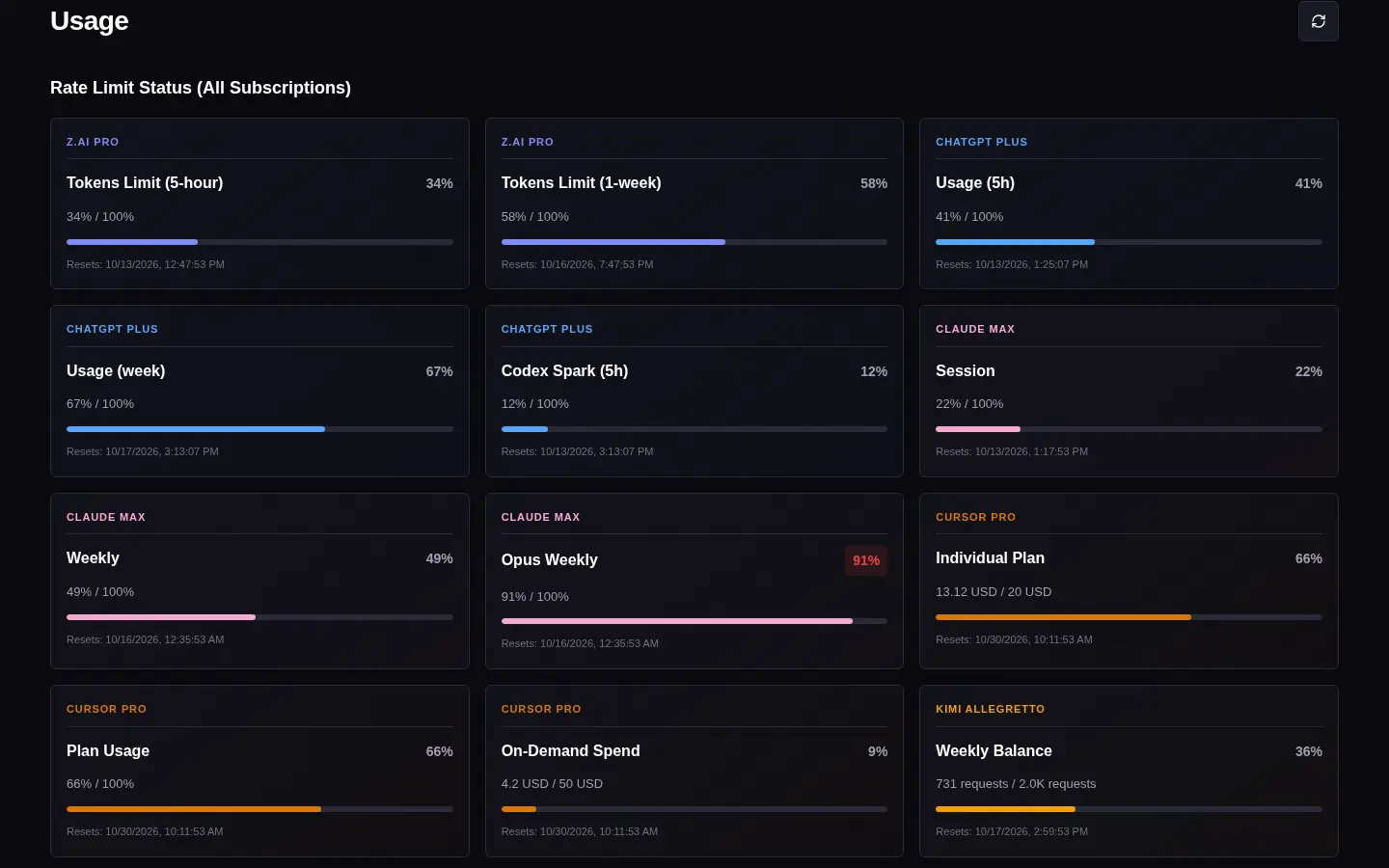
Dashboard grid of rate limit cards for every configured subscription, color-coded by provider.

The problem

Every coding plan meters differently: rolling five-hour windows, weekly caps, monthly USD budgets, token balances. Each provider shows its own number on its own page. llm-usage pulls them into one place.

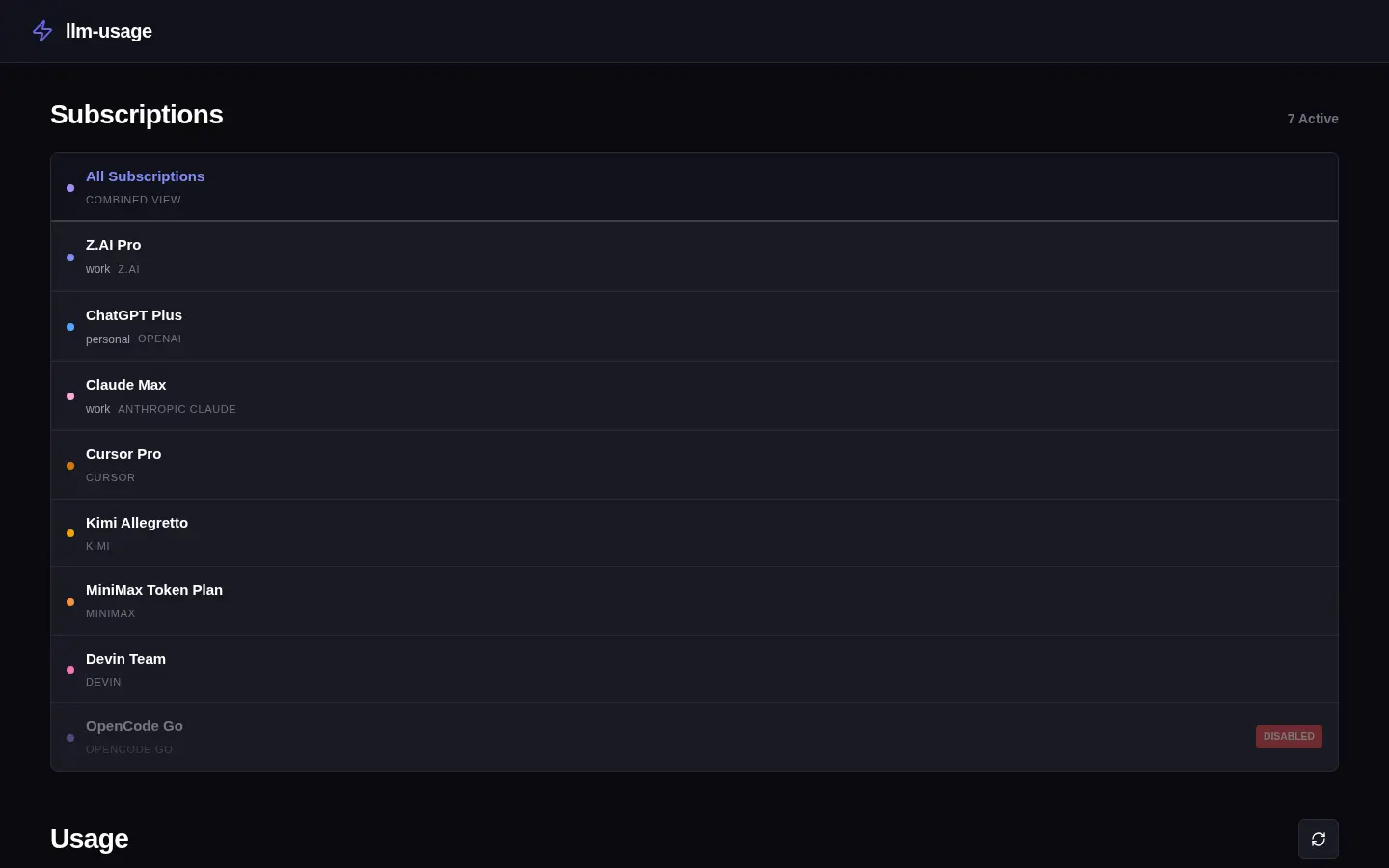
Supported providers: Z.AI GLM Coding Plan, Xiaomi MiMo Token Plan, OpenCode Zen, OpenCode Go, OpenAI ChatGPT, GitHub Copilot, Moonshot AI Kimi Code, MiniMax Token Plan, Cursor, Devin, Anthropic Claude and Google Antigravity.
One executable, three modes

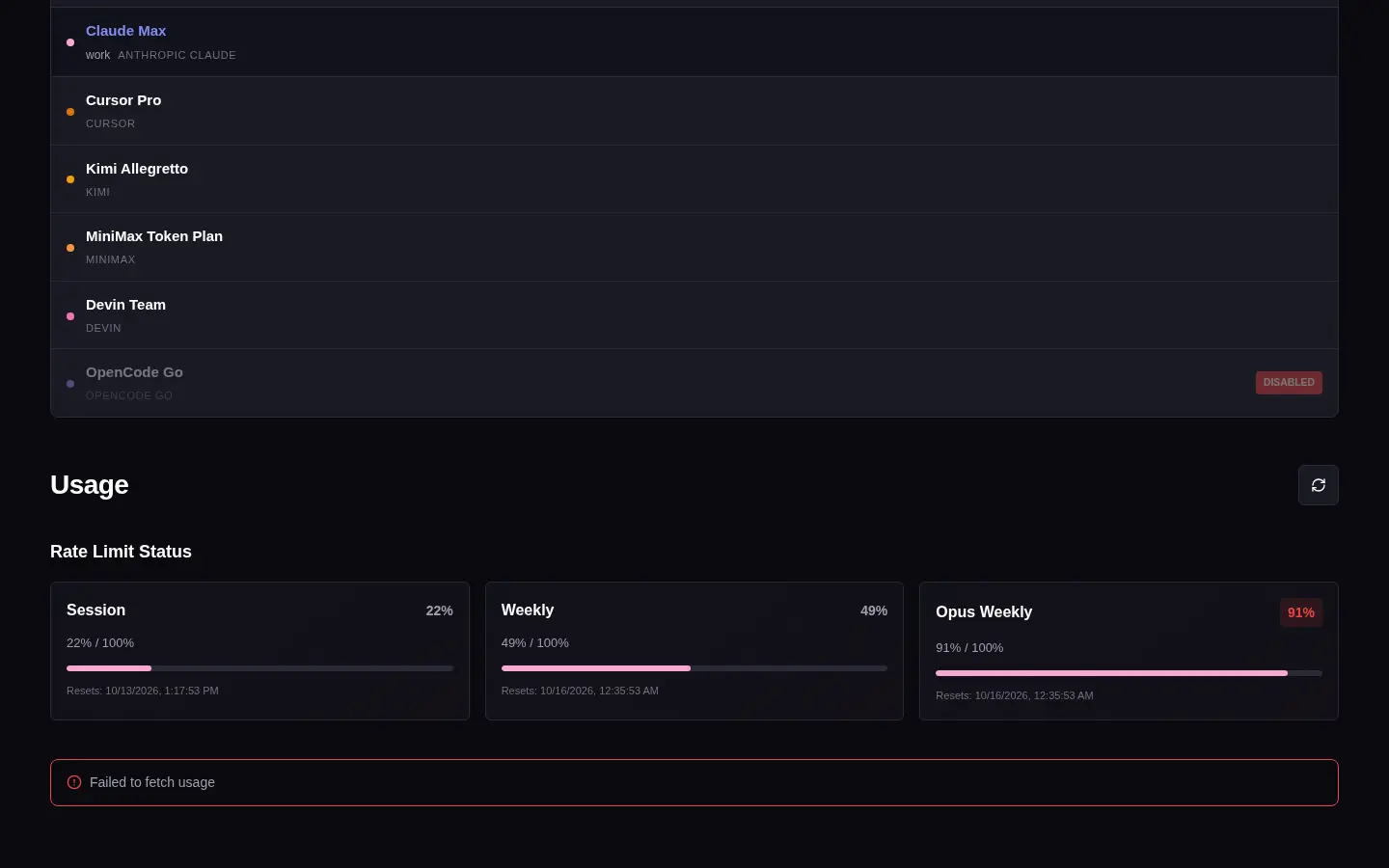
The same llm-usage binary opens the desktop dashboard with a tray icon, answers terminal commands, or serves the dashboard in a browser. Command and server modes need no display server, and the Docker image runs llm-usage serve with the desktop runtime left out.

InvocationBehavior
llm-usagedesktop dashboard and system tray; the tray refreshes every five minutes
llm-usage short [id]one line per subscription: peak usage % and balances
llm-usage limits / usage / statusquota limits, daily token usage, or both; --json, --range week|month
llm-usage auth login <provider>OAuth login for OpenAI, Claude and Antigravity; API keys or cookies for the rest
llm-usage servedashboard and API on http://localhost:3001

How it works

The code is a Bun workspace: an SDK with provider adapters, credentials and config paths; a CLI with the HTTP server; a shared web UI; and the Electron desktop runtime. A new provider is three SDK edits, and every mode picks it up. Provider ids are typed, so the compiler rejects a descriptor without a factory.

The server keeps API keys to itself; dashboard views only receive aggregated data. CORS is off unless CORS_ORIGIN is set, requests are rate limited per IP, and config and credential files are written with 0600. Config values can reference $VAR, and OAuth tokens that came from the environment stay in memory when refreshed.

Install

Building needs Bun. On Linux:

bun install
bun run install:local

This installs the app to ~/.local/share/llm-usage and links ~/.local/bin/llm-usage. bun run package builds an AppImage, DMG or NSIS installer on the target OS.